| Tutorial27: Change the rate of *.WAV from 22.05 to 44.1kHz |
 "Oversampling" is a way to increase the sampling rate. This class
changes WAVE file's rate from 22050 to 44100Hz. First of all, you need to download DSPLinks and install it on your PC.Please start "DSPLinks" after installation. "Oversampling" is a way to increase the sampling rate. This class
changes WAVE file's rate from 22050 to 44100Hz. First of all, you need to download DSPLinks and install it on your PC.Please start "DSPLinks" after installation.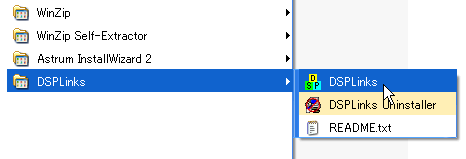 A blank schematic appears. A blank schematic appears. 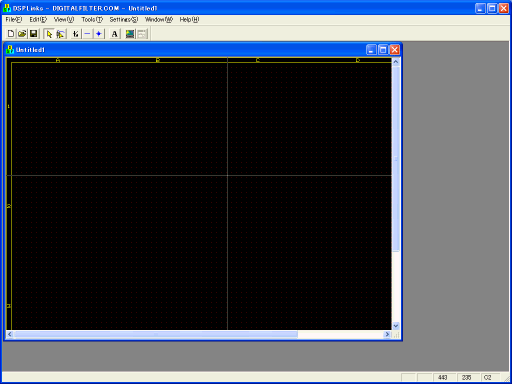 Then, please click "Open" icon. Then, please click "Open" icon.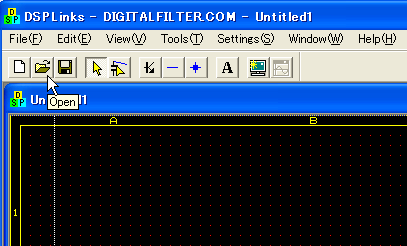 Please download this and unzip it. Then choose "osfwav1.DE2". Please download this and unzip it. Then choose "osfwav1.DE2". 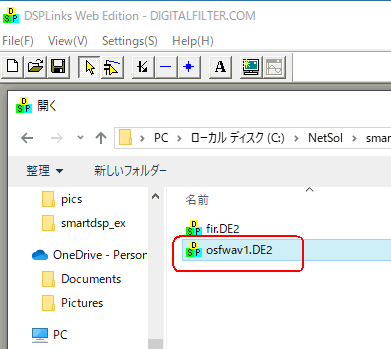 Next Back to Index |
Top Page